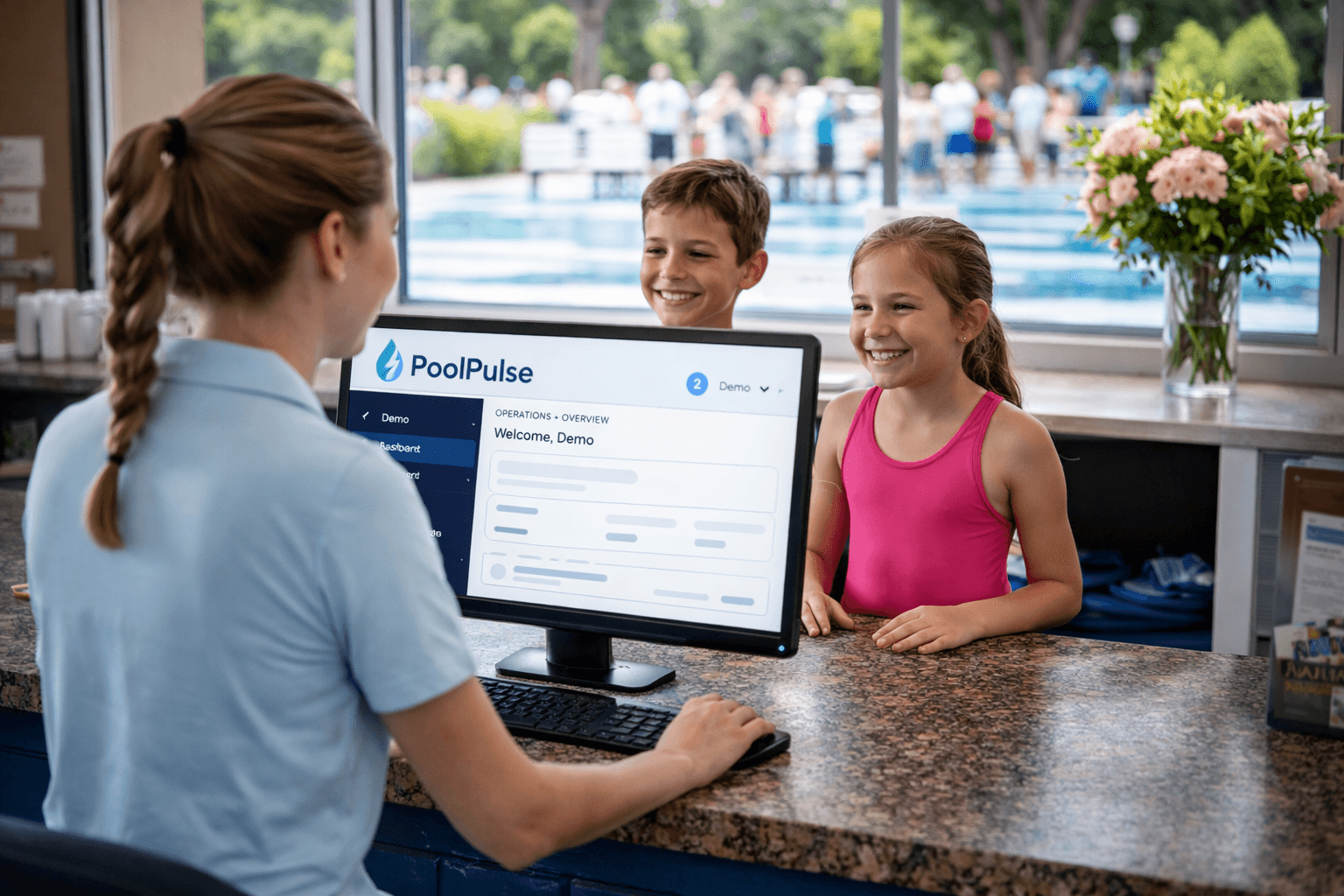
See how the desk works once the line starts building.
The important question is not just whether member records exist. It is whether staff can see live status, waivers, guest rules, and balances fast enough to keep the line moving.

PoolDues covers the essentials well. PoolPulse is the better fit when your team wants billing, check-ins, reservations, POS, staffing, reporting, and website flexibility to feel like one operating system instead of a narrower admin stack.
What clubs usually want next
This comparison usually gets serious once the team is evaluating the broader operating picture, not just the baseline.
Most teams comparing PoolPulse with PoolDues are not asking whether both systems can cover member administration. They are asking how much of the real club day can stay connected once the season gets busy.
The strongest comparison is not about whether the basics work. It is about front-desk flow, revenue workflows, launch clarity, and whether the next set of club needs can stay in the same system.
The important question is not just whether member records exist. It is whether staff can see live status, waivers, guest rules, and balances fast enough to keep the line moving.
Clubs usually feel the difference when dues, purchases, and booking activity stop living in separate stories that need cleanup later.
A cleaner migration, clearer onboarding help, and website flexibility can matter as much as the side-by-side feature discussion.

Quick answer
PoolPulse is the stronger fit when the club wants a broader operating story around reservations, waitlists, POS, staffing, reporting, and website flexibility instead of a narrower baseline.
Clubs usually feel the difference once more of the daily work can stay in one place instead of being deferred to side tools and manual cleanup.
PoolPulse is built for clubs that want billing, check-ins, reservations, POS, staffing, reporting, and member operations to stay closer together.
The front desk gets more of the member context it needs during busy hours without bouncing through separate tools.
Billing, purchases, balances, and activity stay tied closer to the household instead of being reconstructed after the fact.
Teams can evaluate launch timing, onboarding support, imports, and website fit earlier in the decision instead of leaving those questions for later.
Reservations, waitlists, staffing, and deeper reporting can live in the same operating layer as the rest of the club.
Managers and boards get a straighter picture once more of the club day lives in one place instead of across separate tools and memory.
The better path is to map the current setup, stabilize the foundation, then add the workflows creating the most drag for the team.
Start with memberships, balances, waivers, website needs, and the operating exceptions your team handles every day.
Memberships, balances, waivers, website needsGet the member, billing, and front-desk foundation into one place before layering on the deeper workflows.
Member records, billing, front-desk foundationBring in reservations, waitlists, POS, staffing, and reporting based on what will help your team fastest.
Reservations, POS, staffing, reportingUse current public source material when reviewing competitor packaging, pricing, and baseline product claims.
Keep the decision grounded in workflow fit, launch clarity, and the next step that actually makes sense.
It is for clubs that feel like basic administration is no longer the whole job and want to evaluate whether PoolPulse is the better long-term operating fit.
No. Most clubs map the current setup first, move the core records and workflows, then add the deeper operational layers in a cleaner order.
Yes. If your club already controls the site, PoolPulse can fit behind it. If the current provider controls the website, we can talk through replacement options as part of the switch path.
Usually it is workflow breadth, front-desk clarity, launch risk, website fit, and whether the next set of operational needs can stay in the same system.
A live walkthrough is usually the clearest next move because it lets your team compare workflow breadth, migration support, and website fit in one conversation.

A live walkthrough is usually the clearest way to compare the broader operating model against your current stack.