


Free swim club planning guide

The swim club software migration checklist for a calmer launch.

Plan your member data, billing, waivers, check-ins, programs and website before anything moves.

A clearer path from planning to launch

  1. 1Discover

    Assess, map current state and set goals.

  2. 2Prepare

    Clean data, assign owners and plan.

  3. 3Configure & test

    Build, test and validate with real scenarios.

  4. 4Launch

    Migrate, go live and support your team.

  5. 5Stabilize

    Monitor, refine and optimize outcomes.

Most migration problems happen in the handoffs

Data without context

Incomplete or inconsistent data creates confusion and rework.

Configured without validation

Untested workflows surface issues after members are affected.

People unprepared

Teams without training or clear roles slow down launch.

Build your migration checklist

Use this interactive checklist to plan every workstream and track progress.

Memberships & households
  • Export active and inactive households.
  • Resolve duplicate members and shared contacts.
  • Map membership types to launch rules.
Billing & payments
  • Confirm current balances and credits.
  • Separate payment history from open invoices.
  • Validate autopay and renewal rules.
Waivers & documents
  • List required waivers and documents.
  • Match signatures to the right household.
  • Confirm expiration dates and signer visibility.
Check-ins & access
  • Test member status at the gate.
  • Map guest passes, restrictions and fees.
  • Confirm kiosk and scanner workflows.
Programs & reservations
  • Map active lessons, events and bookings.
  • Validate capacity rules and schedules.
  • Confirm instructor or lane assignments.
Website & integrations
  • Update public pages and forms.
  • Confirm embeds, redirects and analytics.
  • Plan member-facing communication.

Know what moves, what needs validation and what must be rebuilt

WorkstreamUsually importedValidate carefullyMay require rebuilding
Memberships & householdsMember profiles, contacts, householdsAccount statuses, join dates, custom fieldsLegacy notes, tags, custom membership types
Billing & paymentsPayment methods, autopay, transactionsOpen balances, credits, refundsFailed payments, legacy batch data
Waivers & documentsSigned waivers, documents, consentsExpiration dates, signer mappingOld formats, custom templates
Check-ins & accessAccess levels, gates, fobs, PINsPermission, location, time rulesHardware mapping, legacy access rules
Programs & reservationsProgram catalog, session historyWaitlists, capacity rules, instructor assignmentsComplex pricing, bundles, legacy reports
Website & integrationsPublic pages, content, newsForms, data capture, analyticsCustom code, third-party plugins

Give every team a clear sign-off

Club leadership

Approves plan, timeline and communication strategy.

Membership

Owns member data quality and member communication.

Finance

Verifies billing data, reconciles balances and reports.

Front desk

Tests check-ins, access and daily operations.

Programs

Validates offerings, schedules and reservations.

Website

Confirms site content, forms and integrations are ready.

Treat the website as a parallel workstream

A strong website supports a smooth launch. Build and test while your system migration is underway.

  • Update content and offers
  • Align forms and data capture
  • Test payment and member journeys
  • Prepare redirects and go-live plan

System migration track

PlanClean dataValidateTest

Website workstream

BuildTestContentQA
Coordinated launch

A practical path to launch day

Four weeks before

  • Finalize plan and owners
  • Clean and map data
  • Build and test workflows

One week before

  • Validate data and balances
  • Train teams and run drills
  • Confirm communications

Launch day

  • Migrate and go live
  • Monitor key operations
  • Be available and responsive

First week

  • Support members and staff
  • Fix issues quickly
  • Capture feedback

Move with confidence, not guesswork

PoolPulse gives you the tools, automation and support to migrate smoothly and launch successfully.
  • Guided migration and data mapping
  • Built-in validation and testing tools
  • Training, resources and expert support
  • Reliable platform built for swim clubs
Plan your migration
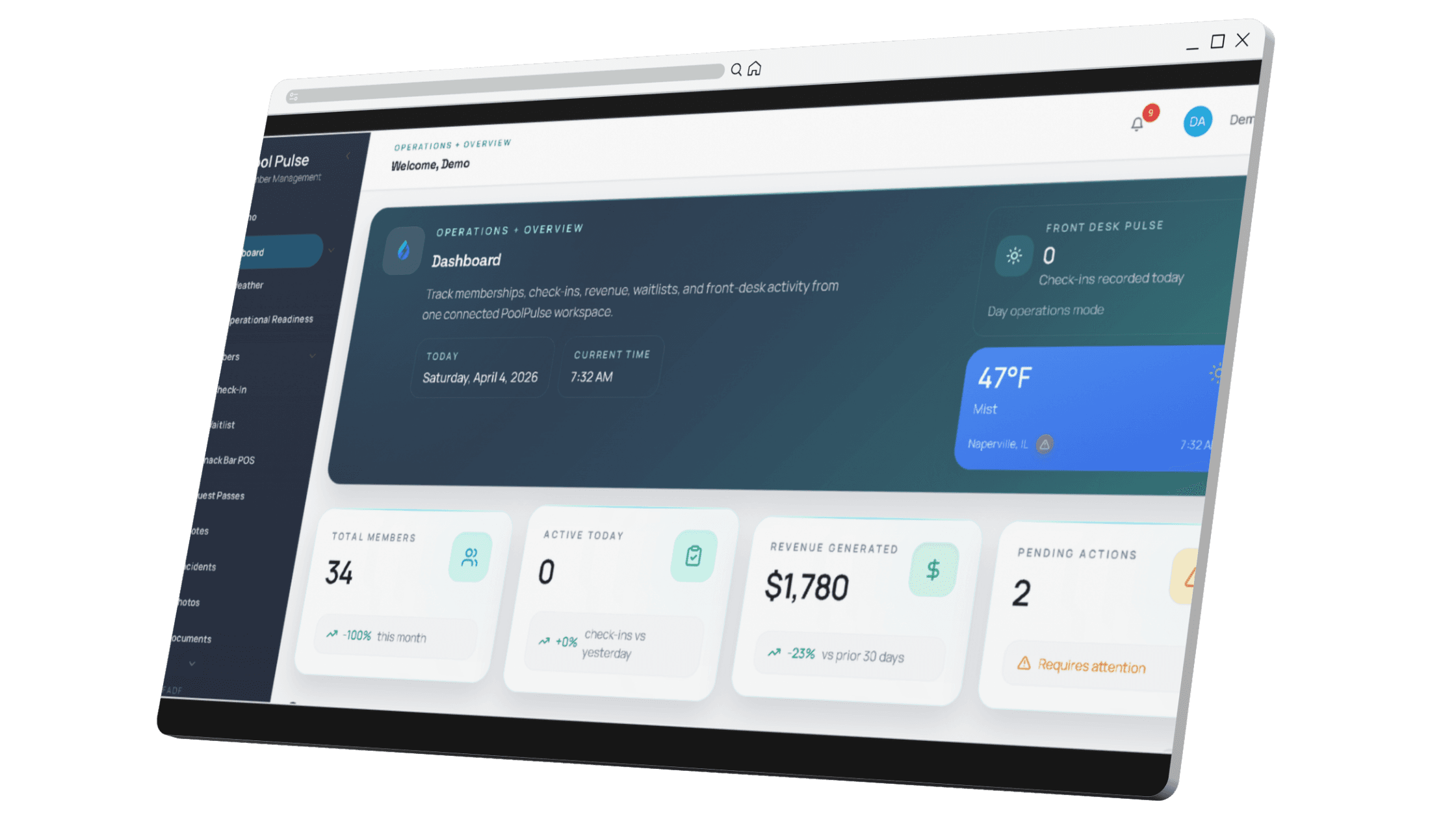
PoolPulse dashboard preview used as a placeholder product image for the migration checklist page

Migration questions clubs usually ask

How long does a migration usually take?

Most clubs should plan several weeks for scope, data cleanup, configuration, staff training and launch validation. The exact timing depends on data quality, billing complexity and website needs.

What data quality is required before we start?

Clean household records, current balances, waiver status, membership types and contact details matter most. The checklist helps you identify what can be imported and what needs cleanup first.

Can we run both systems during the transition?

Yes. Many clubs use a short parallel validation period so staff can compare records, test check-ins and confirm billing before the final go-live.

What if we discover issues after launch?

Expect a stabilization window after launch. Track issues, assign owners and prioritize fixes that affect members, billing, check-ins or staff confidence first.

Do you provide training for our team?

Yes. PoolPulse migration support can include workflow review, staff walkthroughs and launch planning so your team is ready before members rely on the new system.

PoolPulseMigration checklist

Take the checklist into your next migration meeting.

Assign every workstream and give your team a clear definition of launch readiness.