Tennis courts representing facility reservations and booking management
Court and facility reservations

Court and facility reservations that stop landing on the front desk.

PoolPulse gives your team one place to manage court bookings, capacity rules, no-shows, guest constraints, and prime-time controls so reservations do not pile up in a side calendar or a phone queue.

What changes

  • Members book through the portal, not the front desk
  • Prime-time and capacity rules built into the booking flow
  • No-shows and cancellations handled without staff calls

Reservations stay connected to member records, guest rules, and billing so staff can answer questions without switching tools.

Where reservation systems break down

Court bookings taken by phone are a scheduling system built on manual work.

Phone and email reservations do not just create extra work — they create gaps between booking, billing, access, and accountability.

01Court bookings taken by phone or email are managed in a calendar that does not connect to member records.
02Double-bookings happen when reservations are tracked separately from real-time capacity and check-in.
03No-shows are common because there is no automated reminder or accountability built into the booking.
04Prime-time rules are enforced inconsistently because they are not built into the booking flow itself.
05Staff spend time fielding guest count questions because the reservation does not carry guest constraints.
06Booking history is not visible to operators when questions come up about usage patterns or conflicts.

How it runs in PoolPulse

From configuration to check-in without the phone calls in between.

Capacity, eligibility, reminders, and check-in are all built into the same reservation flow so staff do not have to bridge the gaps manually.

01Configure

Set capacity, prime-time rules, and eligibility once.

Define which courts or lanes are bookable, who can reserve them, how far in advance, and which hours have prime-time restrictions — all before the first booking comes in.

Capacity · Prime-time rules · Member eligibility
02Book

Members reserve courts directly through the portal.

Reservations go through the member-facing portal. The system enforces rules in real time so staff are not gatekeeping availability by phone.

Member portal · Real-time availability · Rule enforcement
03Remind

Automated reminders reduce no-shows before they happen.

Members get a reminder before their booking. If they need to cancel, the system handles the availability update automatically so the slot stays useful.

Automated reminder · Cancellation handling · Slot recovery
04Check-in

Reservations are visible at the gate alongside member status.

Front desk staff can see active reservations, member standing, guest rules, and check-in context from one view — no separate calendar to reference.

Desk visibility · Member status · Guest rules
What teams can run

Bookings, capacity, and accountability in one system.

Court management, prime-time rules, guest controls, and usage reporting stay in the same operating model instead of living in a side calendar your team has to reconcile separately.

Court and lane capacity management

Define bookable courts, lanes, and facilities with real-time capacity so double-bookings and overloaded slots do not reach the desk.

Prime-time and peak-hour rules

Build eligibility rules, hour restrictions, and prime-time limits directly into the booking flow so they are enforced automatically instead of by memory.

Member portal booking

Members see live availability and reserve directly through the portal without calling the front desk or waiting for a confirmation email.

No-show and cancellation handling

Automated reminders before bookings reduce no-shows. Cancellations release the slot automatically so the next member can take it.

Guest constraints and pass tracking

Guest count rules and pass limits travel with the reservation so staff see the right context at the gate without looking up a separate policy.

Booking history and usage visibility

Operators can see court utilization, booking patterns, and no-show rates without exporting from a side calendar or rebuilding data after the fact.

Before and after

What reservations look like when the system carries the load.

The friction does not disappear because you want it to. It disappears when the booking, reminder, and check-in workflow stops depending on manual steps.

Phone and email booking with manual calendar managementMembers book through the portal without staff involvement
Double-bookings from split systemsReservations connected to real-time capacity
No-shows with no automated follow-upReminders reduce no-shows before they happen
Prime-time rules enforced by memoryRules built into the booking flow and enforced automatically
Guest constraints answered at the desk by guessingGuest rules visible at check-in from the same record
Booking history rebuilt from exports and memoryUsage patterns visible without any extra work
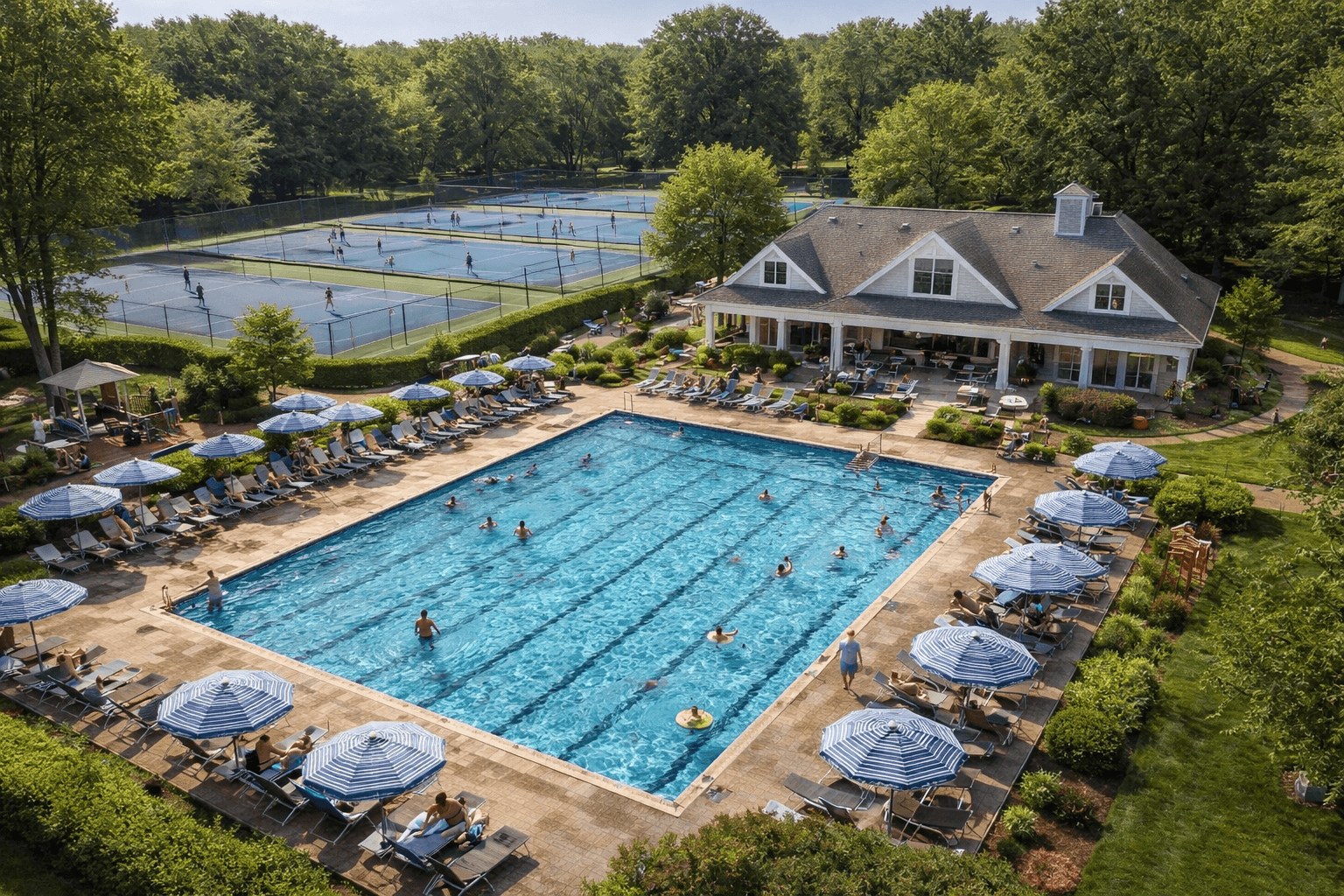
Swim and tennis club representing a full day of managed reservations

At the front desk

When bookings run themselves, staff can focus on the members — not the calendar.

Reservations that connect to member records, guest rules, and check-in reduce the questions that pile up at the desk before and after a busy weekend.

Schedule a Walkthrough
Common questions

What clubs ask before moving bookings into PoolPulse.

These are the questions that come up most during a first walkthrough. If something is missing, ask us directly.

Can we set different booking rules for members and guests?

Yes. Guest count limits, guest pass rules, and eligibility constraints can all be configured separately from member booking rules and applied at the time of reservation.

What happens when a court would be double-booked?

The system checks real-time availability before confirming any booking. If a slot is taken, the member sees that immediately and is directed to an open slot instead.

Can we restrict prime-time hours to certain membership types?

Yes. Prime-time restrictions and eligibility rules can be tied to specific membership levels, plans, or household types so the right limits apply automatically.

Do members get notified if their reservation is cancelled?

Yes. Cancellation notifications and reminders are part of the booking workflow. Members are notified whether the cancellation is initiated by them or adjusted by staff.

Can operators see who is on which court right now?

Yes. Active reservations are visible to front desk staff and managers in real time. Upcoming and past bookings are also accessible from the same view.

See how reservations run inside PoolPulse.

A walkthrough is the fastest way to see the booking, capacity, and check-in flow in context. We can cover it in about thirty minutes.